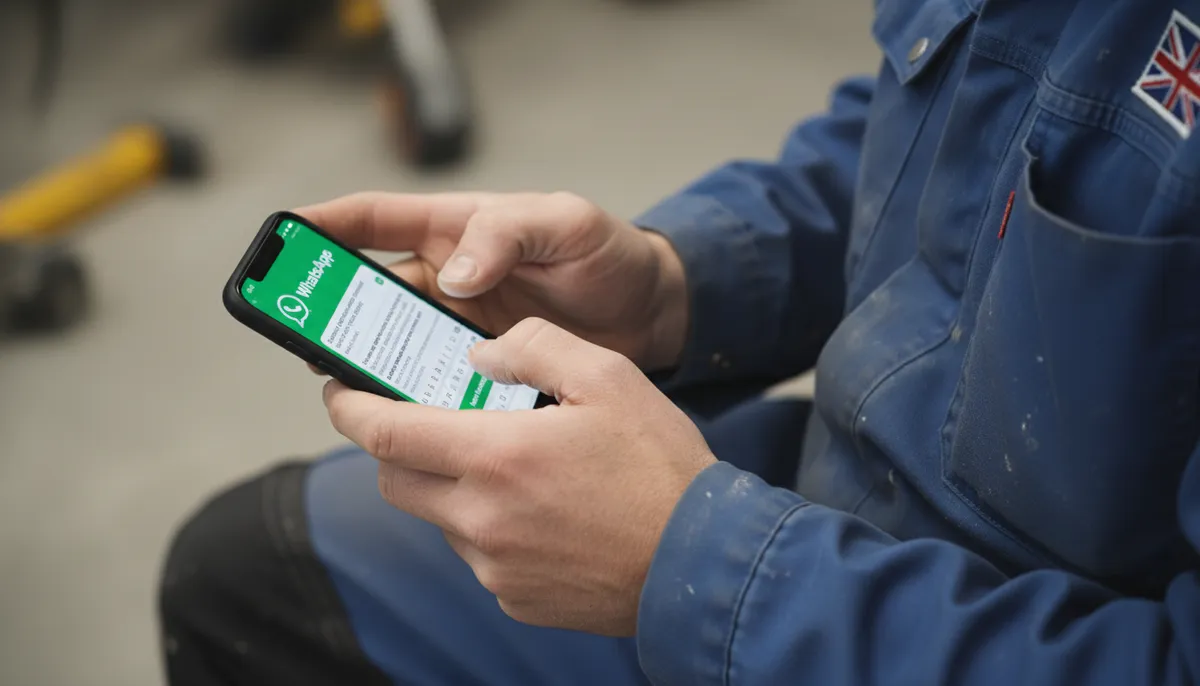
WhatsApp Business is free, takes about 20 minutes to set up, and can make a real difference to how professional you look to customers. It lets you separate work messages from personal ones, send automatic replies when you’re on the tools, and share a business profile with your phone number, website, and services listed.
For tradespeople, it’s one of the quickest wins going — and most haven’t bothered to set it up properly.
Key Takeaways
- WhatsApp Business is free — the app is free to download and use, with no monthly fees
- Automatic replies mean customers get a response even when you’re mid-job, on a roof, or in a loft
- Business profiles display your services, website, and hours so customers know what you do before they even message
- Catalogue feature lets you list your services with descriptions and prices, reducing back-and-forth questions
- Separate from personal WhatsApp — you can run both on the same phone with different numbers, or use one number for both if you switch fully
Why Tradespeople Are Still Missing Out
Around 40 million people in the UK use WhatsApp every month, according to Ofcom’s 2024 Online Nation report. Tradespeople get most of their enquiries via mobile — calls, texts, and messages. WhatsApp is increasingly where customers expect to reach you.
The problem is that most tradespeople are still using regular WhatsApp for work messages. That means:
- Customers can see your personal profile photo
- There’s no way to set up auto-replies when you’re unavailable
- Your business info — services, website, hours — isn’t visible
- Work and personal messages are mixed together
WhatsApp Business fixes all of this for free.
What’s Different About WhatsApp Business
WhatsApp Business and regular WhatsApp look nearly identical. The difference is the tools available to you as a business account.
| Feature | Regular WhatsApp | WhatsApp Business |
|---|---|---|
| Business profile (name, services, website) | No | Yes |
| Away message (automatic reply when offline) | No | Yes |
| Greeting message (first message to new contacts) | No | Yes |
| Quick replies (saved responses) | No | Yes |
| Service catalogue | No | Yes |
| Business hours display | No | Yes |
| Labels (organise chats by status) | No | Yes |
| Verified business badge | No | Available (paid) |
The verified green badge costs money and requires approval. Everything else in the table above is completely free.
How to Set Up WhatsApp Business: Step-by-Step
Step 1 — Download the App
Search “WhatsApp Business” in the App Store or Google Play. It’s a separate app from regular WhatsApp, made by the same company (Meta).
If you want to keep personal WhatsApp on the same phone, you can — but you’ll need a separate phone number for WhatsApp Business. Many tradespeople use their mobile number for Business and a second SIM (or their landline, if they have one) for personal.
Step 2 — Set Up Your Business Profile
According to Meta’s WhatsApp Business documentation, a complete business profile increases message response rates. After registering your number, go to Settings → Business Tools → Business Profile. Fill in:
- Business name — use your trading name, not a personal name
- Category — select “Home Services” or the relevant trade
- Description — one or two sentences: “Electrician based in [city]. NICEIC registered. Domestic and commercial.”
- Business address — optional, but useful if you have a workshop or office
- Website — your website URL if you have one
- Email — your business email
- Business hours — set these so customers know when to expect a reply
Step 3 — Set Up Your Greeting Message
This sends automatically to anyone who messages you for the first time. Go to Settings → Business Tools → Greeting Message.
A simple example:
“Hi, thanks for getting in touch. I’m [Name], [trade] based in [city]. I’ll get back to you as soon as I can — usually within a few hours. If it’s urgent, you can also call me on [number].”
Keep it short. Customers don’t read long messages. The goal is to acknowledge them and set expectations.
Step 4 — Set Up Your Away Message
This sends when someone messages outside your business hours. Go to Settings → Business Tools → Away Message.
Example:
“Thanks for your message. I’m currently unavailable — I’ll reply first thing in the morning. For emergencies, call [number].”
You can schedule the away message to switch on automatically outside your business hours, so you don’t have to remember to turn it on and off.
Step 5 — Create Quick Replies
Quick replies are saved messages you can send with a single tap. They’re for the questions you answer ten times a week. Go to Settings → Business Tools → Quick Replies.
Useful quick replies for tradespeople:
| Shortcut | Message |
|---|---|
| /quote | ”Happy to give you a quote. Could you send me a bit more detail — what’s the job, where are you based, and when are you looking to get it done?” |
| /call | ”Best thing is to give me a quick call when you get a chance and I can talk it through with you. I’m usually free between 7–8pm.” |
| /hours | ”I work Monday to Friday, 8am–5pm. I try to reply to messages within a few hours.” |
| /unavailable | ”I’m fully booked at the moment but I’m happy to add you to my waiting list if the job isn’t urgent.” |
To use a quick reply mid-conversation, just type / and the shortcut name appears. Tap it to send.
Step 6 — Add Your Services Catalogue
The catalogue lets you list what you offer. Customers can browse it from your profile before they even message. Go to Settings → Business Tools → Catalogue.
Add each service as an item with a name, description, and optional price range. For example:
- Full rewire — “Complete rewire of a domestic property. Price on survey.”
- Consumer unit replacement — “Replace fuse box with modern RCD consumer unit. Usually 1 day. From £400.”
- EV charger installation — “OLEV-approved EV charger fitted to NICEIC standards. From £450 including hardware.”
You don’t have to give fixed prices. “Price on survey” is fine for complex jobs. The point is to give customers enough information to decide whether to contact you at all — which saves you time too.
Using WhatsApp Business Day-to-Day
Organise Chats with Labels
Labels let you tag conversations so nothing gets lost. Go to a chat → tap the three dots → Label Chat. Useful labels:
- New enquiry — unread quotes requests
- Quoted — sent a price, waiting to hear back
- Booked — confirmed job
- Paid — job done, invoice settled
- Follow up — needs chasing
You can filter your chat list by label, so you can see all your live quotes at a glance.
Send Quotes via WhatsApp
Many tradespeople now send simple quotes directly in WhatsApp rather than by email. For smaller jobs, a clear message works fine:
“Hi [name], thanks for sending those photos. To [description of job] I’d be looking at around £[price] including materials and labour. That’s based on [any assumptions]. If you’re happy to go ahead, just let me know and I’ll check my availability.”
For larger jobs, send a proper written quote as a PDF attachment.
Status Updates for Customers
WhatsApp Business Status (the same as regular WhatsApp Stories) can be used to let customers know about your availability. “Fully booked until May — taking enquiries for June now” takes 30 seconds to post and saves you a lot of messages.
What WhatsApp Business Doesn’t Do
It’s worth being clear about the limits.
It won’t automatically book jobs. Someone still has to reply, confirm dates, and arrange access. Some AI tools (like the ones offered by companies such as Down to Earth AI) can automate responses further, but that’s a paid add-on, not part of the free app.
The 24-hour messaging window. Once a customer messages you, you have 24 hours to reply freely. After that, you can only send pre-approved templates (usually not relevant for tradespeople doing one-to-one conversations).
It’s not a CRM. Labels help, but WhatsApp Business isn’t designed to manage a large pipeline. If you’ve got dozens of live quotes at any one time, a proper job management app like Tradify is worth considering alongside it. For invoicing and quotes, see our guide to the best invoicing apps for tradespeople.
WhatsApp Business + a Professional Website
WhatsApp Business handles the conversation once a customer’s already in touch. The gap for most tradespeople is getting them there in the first place.
A professional website that ranks on Google for local searches — “electrician in [your town]”, “emergency plumber near me” — brings customers to you who haven’t heard of you yet. WhatsApp Business then makes the follow-up frictionless. The two work well together. We’ve covered this in more depth in our article on marketing for plumbers and our guides on whether electricians and plumbers need a website.
If you don’t have a professional website, or your current one isn’t bringing in enquiries, Digital Tradies builds trade websites from £49/month with no upfront cost. Most are live within three days.
Frequently Asked Questions
Does WhatsApp Business cost anything? The WhatsApp Business app is free to download and use. There’s no monthly fee. Meta does offer paid features for larger businesses (like verified badges and API access for automated messaging at scale), but these aren’t relevant for most sole traders or small trade businesses.
Can I use WhatsApp Business and regular WhatsApp on the same phone? Yes, but you need two separate phone numbers — one for each app. You can’t run both on the same number. Most tradespeople use their work mobile for WhatsApp Business and keep a second number (or SIM) for personal use.
Will customers know it’s a business account? Yes — they’ll see your business name and a “Business Account” label in the chat. This is actually reassuring for customers. It signals that you’re a proper business, not just someone operating from a personal phone.
What should I put in my WhatsApp Business description? Keep it to one or two sentences covering what you do, where you’re based, and any relevant accreditations. For example: “Plumber based in Leeds. Gas Safe registered. Domestic and commercial work.” Don’t write an essay — customers want the basics, fast.
Is it worth setting up if I mostly get calls rather than messages? Yes, for a couple of reasons. An increasing number of customers prefer messaging over calling, especially younger customers. And a professional business profile with services listed and auto-replies set up means that when someone does message, you look organised and reliable — before you’ve even spoken to them.