Your Google Business Profile (GBP) is what controls where your plumbing business appears on Google Maps and in local search results. When someone nearby types “plumber near me” or “emergency plumber [your town]”, the three businesses shown under the map are the ones winning those calls — for free. A complete, well-maintained GBP gets you there. A half-finished one leaves the work to your competitors.
Google Business Profile is a free local listing that shows your plumbing business in Google Maps and the local map pack — the three results shown at the top of local search pages. Setting it up takes a few hours. Maintaining it takes 20 minutes a month. And for plumbing — where emergency searches dominate and customers rarely shop around — appearing in those three results is worth a significant part of your annual turnover.
Key Takeaways
- The map pack captures over 44% of clicks for local service searches — and it’s completely free to appear in
- Your primary category must be Plumber to rank for core plumbing searches in your area
- [Gas Safe registration](/blog/gas-safe-registration-explained/) should be mentioned explicitly in your profile description — homeowners actively filter for it
- Profiles with complete service sections, 30+ reviews, and recent photos consistently rank above those that are left untouched after setup
- Google Business Profile replaced Google My Business in 2021 — it is not being discontinued
- WaterSafe and Gas Safe Register both have contractor directories that complement your GBP ranking
What Google Business Profile Actually Does for Plumbers
The map pack is the cluster of three businesses shown with a map above the organic website results for nearly every local search. It appears for searches like “plumber Sheffield”, “blocked drain Bristol”, “boiler repair Edinburgh”, and hundreds of similar phrases. Most plumbers get the majority of their Google calls from map pack placement, not from their website ranking in the blue links below.
According to Google’s Business Profile data, businesses with complete profiles receive 7x more clicks than those with incomplete information. For plumbers, complete means: accurate categories, a filled service section, a written description that mentions your certifications, and photos updated in the past three months.
Plumbing is also a service where emergency intent dominates. Someone with a burst pipe isn’t comparing three websites — they’re tapping the first plumber in the map pack who has decent reviews. Being in those three results for emergency searches like “24 hour plumber [town]” or “burst pipe [area]” is worth more than most paid advertising.
Setting Up and Verifying Your Profile
Go to business.google.com and search for your business. If it exists but isn’t claimed, claim it. If it doesn’t exist, create a new one.
Verification options for plumbers:
| Method | Typical wait | Notes |
|---|---|---|
| Video call | 5–15 minutes | Google calls you — show your van, tools, or trade documents |
| Postcard | 5–14 days | Sent to your business address or service area |
| Phone/SMS | Instant | Only offered on some accounts |
Plumbers often operate as service area businesses with no fixed public premises. If that’s you, select “Service area business” and list the postcodes and towns you cover instead of a street address. Your address stays hidden from the public. Cover the area you realistically work — claiming too large a radius dilutes your relevance for nearby searches.
Choosing the Right Categories
Your primary category drives which searches Google shows you for. Set it wrong and you’ll barely appear for anything.
Set your primary category to: Plumber
Add secondary categories based on what you actually do:
| Secondary category | When to add it |
|---|---|
| Drainage Service | If you handle blocked drains, CCTV surveys, drain clearance |
| Gas Installation Service | Gas pipework, meter connections |
| Heating Contractor | If central heating installation is a main service |
| Hot Water System Supplier | Unvented cylinders, hot water systems |
| Emergency Plumbing Service | If 24-hour or same-day callouts are a regular offering |
Don’t add categories for services you rarely do. A focused profile outranks a broad one.
The Sections Most Plumbers Leave Blank
Most plumbing profiles have a name, phone number, and maybe a website. That’s the floor. The sections your competitors ignore are where rankings are actually won.
Business description (750 characters): Mention your key services, the areas you cover, and any professional registrations. If you’re Gas Safe registered, say so — it’s one of the first things homeowners look for when booking a plumber for gas or boiler work. The Gas Safe Register lists over 40,000 registered businesses in Great Britain, and customers who search for a gas-safe plumber want to know you’re on it. If you’re on the WaterSafe approved contractor scheme, mention that too.
Example opener: “Gas Safe registered plumber covering Leeds, Wakefield, and Huddersfield. We handle everything from emergency callouts and boiler repairs to full bathroom installations and central heating systems.”
Services section: Add individual services with descriptions. Good ones for plumbers: emergency leak repair, boiler service and repair, bathroom installation, central heating repair, drain unblocking, cold water tank replacement, unvented cylinder installation, new builds. You can add indicative prices or price ranges — these appear directly in your profile and can drive clicks.
Opening hours: Set accurate hours. If you take emergency calls outside those hours, add a line in your description explaining this. GBP doesn’t have a dedicated 24/7 callout field, but you can publish a Post about your emergency availability.
Attributes: Tick what applies: Online estimates, On-site services. If you have a specific payment method policy, note it here.
Photos That Make Your Profile Work
Profiles with photos receive 42% more requests for directions and 35% more website click-throughs than those without, according to Google’s own data. For plumbers, photos also serve as proof of quality.
What to upload:
- Your van — branded, clean, parked on a job if possible
- Finished bathroom installations
- Boiler replacements (before and after if you have them)
- Pipe work and new heating system installs
- Your Gas Safe card or certificate (partially visible is fine)
- You working on-site in your company workwear
Aim for 15–20 photos when you first set up, then add new ones every 4–6 weeks. Recent photos are a ranking signal — profiles that add photos regularly outrank those that haven’t been updated in a year. Don’t use stock images. Google can detect them, and customers don’t trust them.
Building Reviews That Win Calls
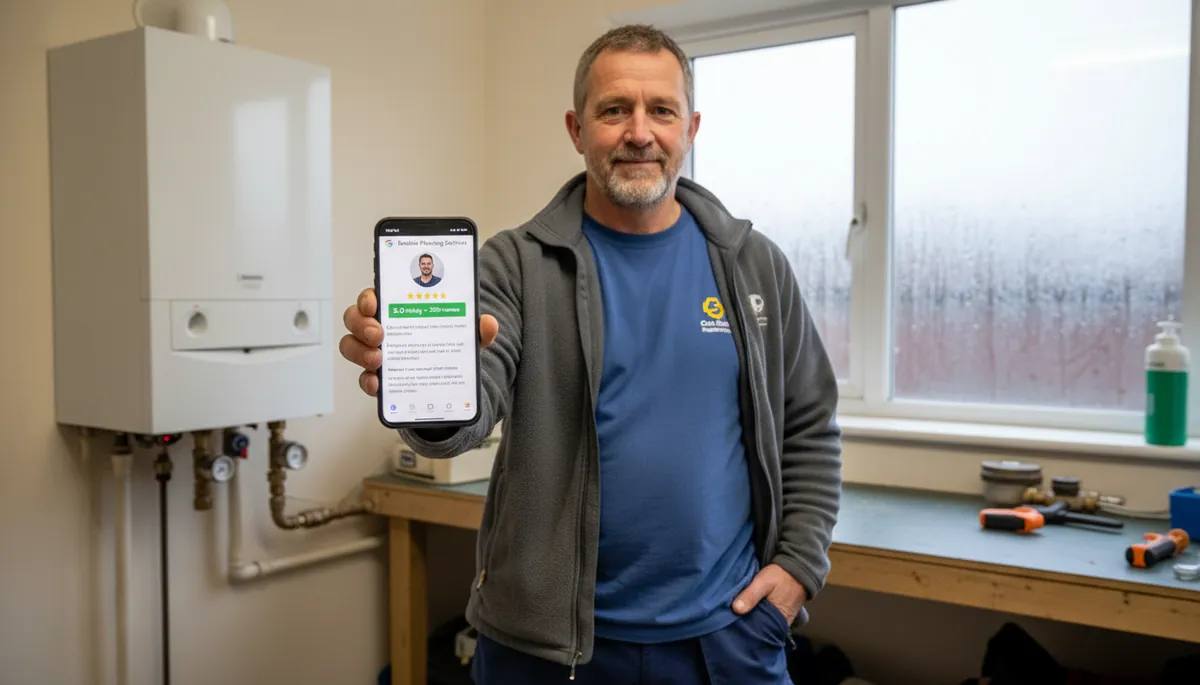
Reviews are the biggest trust signal in plumbing. A customer with a leaking pipe can’t evaluate your technical ability before you arrive — they assess whether to call you based on what previous customers say. A plumber with 45 reviews at 4.8 stars wins over one with 7 reviews, every single time.
Aim for 30+ reviews before you start competing for the map pack in busier markets. For areas with less local competition, even 15–20 well-worded reviews can be enough to rank.
The fastest way to get reviews: text customers the same day you finish the job. “Really pleased we got that sorted for you. If you’ve got a moment, a Google review would help us out a lot — [link].” Generate your direct review link from your GBP dashboard and save it as a shortcut. Making it one tap is the difference between a review being left and a customer meaning to but forgetting.
Respond to every review. Positive or negative, your response is visible to every future customer reading the profile. It’s also a ranking signal.
For a full walkthrough on getting and managing Google reviews, see How to Get More Google Reviews as a Tradesperson.
Posts and Q&A: Where Competitors Give Up
Google Posts appear directly on your profile and are active for seven days. Most plumbing businesses post once and never again. Regular posting — even just once a fortnight — signals to Google that your profile is active, which helps maintain ranking.
What to post:
- Seasonal reminders (“Boiler service season starting — book now to beat the rush”)
- Before and after photos of jobs
- Announcements when you open up new availability or add a service
- Responses to frequently asked questions from customers
The Q&A section on your profile lets anyone ask questions — and anyone answer them. If you don’t monitor it, a random person might answer incorrectly. Check yours monthly and post your own questions with clear answers if none exist.
Frequently Asked Questions
Is Google Business Profile being discontinued? No. Google Business Profile replaced Google My Business in November 2021. It’s being actively developed and is Google’s primary tool for local business listings. There are no plans to discontinue it.
Is a Google Business Profile worth it for a plumber? Yes — it’s the highest-return thing you can do for free. A complete GBP puts you in the map pack for local plumbing searches, which captures more than 44% of clicks for those terms without any ad spend.
Can a plumber use Google Business Profile without a shop or office? Yes. Set up as a service area business, enter the postcodes and towns you cover, and keep your home address hidden. This is the standard setup for most sole traders and small plumbing companies in the UK.
How long does it take to rank in the map pack? For low-competition areas, a complete profile with 10–15 reviews can appear in the map pack within a few weeks of setup. Busier markets take longer and require more reviews and regular profile activity to compete.
Do I need a website as well as a Google Business Profile? Both do different jobs. Your GBP handles map pack ranking and drives calls from customers who are ready to book. A website captures customers doing more research, ranks for searches beyond the map pack, and builds credibility for higher-value jobs like bathroom installations or full heating system replacements. The two work together — your GBP links to your website, and your website mentions your GBP and reviews. See Plumber Website Design for what a working plumbing site needs.
Getting your GBP right is the first step in any plumbing business’s online presence. If you want the second step — a professional website that works alongside it and gets you ranked for searches beyond the map pack — Digital Tradies builds plumber websites from £49/month, with no upfront cost and a three-day turnaround. For more on the full picture, read SEO for Plumbers: A Simple Guide and Marketing for Plumbers.