Your Google Business Profile (GBP) is the single most visible thing about your electrical business on the internet. When someone nearby searches “electrician near me” or “electrician [your town]”, your profile shows up in the map pack — the three-business panel at the top of the results. It’s completely free, and getting it right takes a few hours, not weeks.
This guide walks you through every section: setup, categories, photos, reviews, posts, and how to keep it working for you long-term.
Key Takeaways
- A complete, verified Google Business Profile puts you in the local map pack for free — no ads needed
- Your primary category must be Electrician to rank for core electrical searches in your area
- Profiles with 35+ reviews and regular photos consistently outrank those that are set up and left alone
- Responding to every review — including negative ones — is a ranking signal, not just good PR
- Google Business Profile is not being discontinued; it replaced Google My Business and is actively developed
- Posts, Q&A, and the Services section are widely ignored by competitors — using them gives you a real edge
What Is Google Business Profile and Why Does It Matter for Electricians?
Google Business Profile is a free listing that controls how your electrical business appears in Google Search and Google Maps. It shows your business name, phone number, address or service area, opening hours, photos, and reviews when someone searches for electrical work nearby.
For electricians, it’s the fastest path to appearing on the first page of Google without paying for ads. The map pack — the three businesses shown with a map — appears above the organic website results for almost every local “electrician [location]” search. Ranking there costs nothing beyond the time it takes to set up and maintain your profile properly.
According to Google’s Business Profile Help documentation, businesses with complete profiles are twice as likely to be considered reputable by customers and get 7x more clicks than those with incomplete information. Google also reports that businesses with photos receive 42% more requests for driving directions and 35% more click-throughs to their websites than those without.
Step 1: Claim and Verify Your Profile
Go to business.google.com and search for your business name. If it exists, claim it. If not, create it from scratch.
Verification options:
| Method | How Long | Best For |
|---|---|---|
| Video call | 5–15 minutes | Fastest — Google calls you and you walk them through your space/van |
| Postcard | 5–14 days | If video isn’t offered |
| Phone/SMS | Instant | Only offered for some accounts |
Video verification is usually the quickest option now. You’ll need to show your business tools, van, or a document with your business name — just confirm you’re a real operation.
Step 2: Choose the Right Categories
Your primary category is the most important choice you’ll make in your entire profile. It tells Google what searches to show you for. Get this wrong and you’ll rank for almost nothing.
Set your primary category to: Electrician
Then add secondary categories based on what you actually do:
| Secondary category | Good for |
|---|---|
| Electrical Installation Service | General installation work and rewires |
| EV Charging Station Contractor | Homes and commercial EV charger installs |
| Electrical Repair Shop | Repair-focused work |
| Lighting Contractor | Specialist lighting design and installation |
| Security System Installer | CCTV, alarms, access control |
Don’t add categories for services you don’t offer. Relevance matters more than coverage — a tightly focused profile outranks a broad one.
Step 3: Fill In Every Section
Most electricians set up the basics and stop. The sections your competitors ignore are where you gain ground.
Business description (750 characters): Write a clear description that mentions your certifications, main services, and the areas you cover. Include the words “NICEIC” or “NAPIT” if you’re registered — people search specifically for scheme-registered electricians. In England, the NICEIC alone registers over 30,000 approved contractors, so mentioning your registration helps you stand out from unregistered local competition. Don’t keyword-stuff; write for the person reading it.
Services section: Add individual services with descriptions and prices (or price ranges). Good services to list: EICR / electrical inspection, consumer unit replacement, EV charger installation, full rewire, socket and light installation, emergency callout, outdoor and garden lighting.
Attributes: These are the tick-box features listed under your profile. Electricians should tick: Online estimates, On-site services, Appointment required (if true).
Opening hours: Set accurate hours. If you do emergency out-of-hours work, add that in your description — GBP doesn’t have a specific “24/7 callout” field, but you can create a post about it.
Service area: List every town, village, and postcode district you cover. Be realistic — over-claiming a large area dilutes your relevance for the searches closest to you.
Step 4: Add Photos That Do Real Work
Photos make your profile look legitimate and signal to Google that you’re an active business.
What to upload:
- Your van (branded, clean, parked at a job if possible)
- Your fuse board / consumer unit replacement work — before and after
- EV charger installs you’ve completed
- EICR reports you’ve carried out (property, not personal details visible)
- You working on-site, in your company polo or workwear
- Your NICEIC or NAPIT certificate
Aim for at least 15 photos at the start. Then add new ones every month or two — profiles with recently added photos rank more consistently than those that haven’t been touched in a year.
Don’t use stock photos. Google’s algorithm can identify them, and customers don’t trust them.
Step 5: Build Reviews Consistently
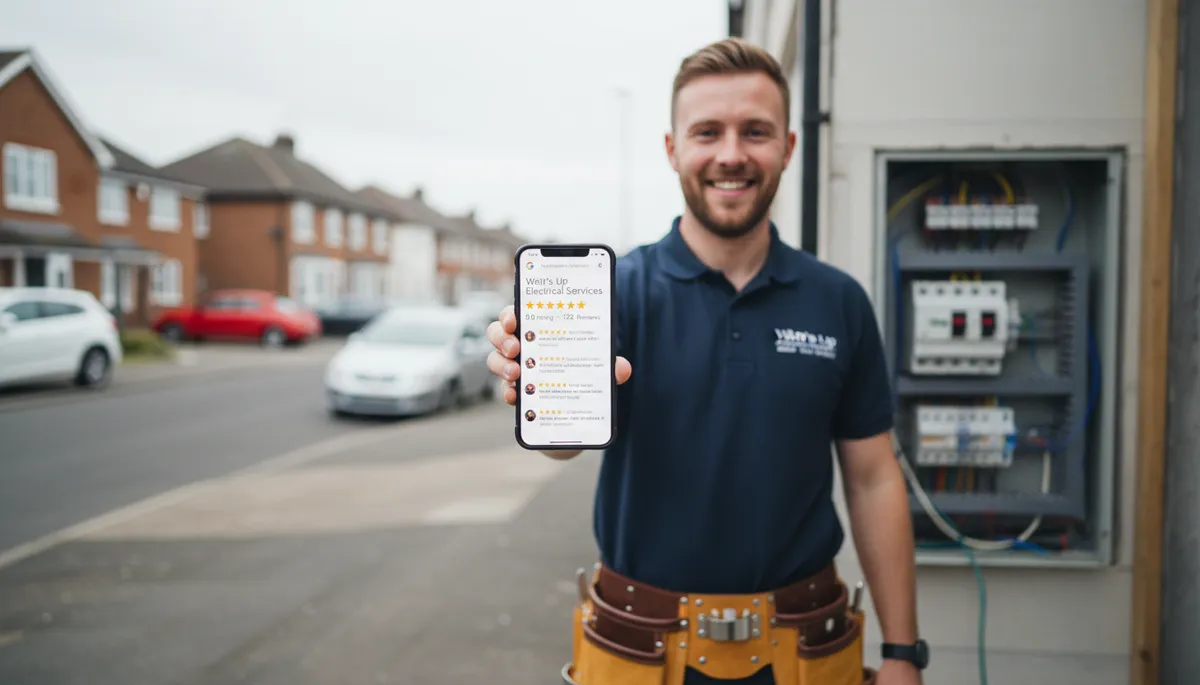
According to BrightLocal’s 2025 Local Consumer Review Survey, 98% of consumers read online reviews for local businesses, and 87% use Google specifically to evaluate local businesses. A separate analysis by Moz’s local ranking factors research indicates that review signals — including quantity, recency, and response rate — account for roughly 17% of the factors influencing Google local pack rankings. For electricians, reviews are both a trust signal for customers and a direct ranking factor in the map pack.
How to get reviews without it feeling awkward:
- Send a WhatsApp message to the customer immediately after finishing a job: “Thanks for having us — if you’re happy with the work, a quick Google review would really help us out. Here’s the link: [your review link]”
- Your review link is at:
https://g.page/r/[your profile ID]/review— find it in your GBP dashboard under “Get more reviews” - Ask in person at the end of the job, then follow up by text
Responding to reviews: Reply to every review — five-star or otherwise. For positive reviews, a short thank-you mentioning the specific job shows you’re attentive. For negative ones, respond calmly and professionally. Google looks at response rate, and potential customers read how you handle complaints.
Getting to 35+ reviews puts most independent electricians ahead of their local competition. Once you’re there, keep asking — profiles that stop getting new reviews start to drop in rankings over time.
Step 6: Use Posts and Q&A
GBP posts are essentially free mini-ads that appear in your profile. Almost no electricians use them, which means they’re a quick way to stand out.
Post ideas for electricians:
- “We now install EV chargers — OZEV-approved installations from £[price]”
- “Landlord? Your 5-year EICR might be due. We cover [area] and can usually book within a week.”
- “Fuse board upgrade completed in [town] — new 18th edition consumer unit installed”
Post once every 2–4 weeks. Posts expire after 7 days by default, so steady posting keeps your profile looking active.
Q&A section: You can add your own questions and answers here. Most businesses don’t — so fill it in. Good questions to pre-answer:
- “Are you NICEIC registered?” → “Yes, [your business name] is fully NICEIC registered. Our registration number is [number].”
- “Do you carry out EICRs for landlords?” → “Yes, we carry out Electrical Installation Condition Reports (EICRs) for landlords and letting agents across [area].”
- “How quickly can you respond to emergencies?” → “We aim to respond to emergency callouts within [X hours] across [area].”
Monitoring Your Profile
Check your GBP insights once a month. The key numbers:
- Search views: How many times your profile appeared in search results
- Map views: How often you showed up in Google Maps
- Customer actions: Calls, website clicks, and direction requests from your profile
If search views are low and you’ve done everything above, the main lever is usually reviews — more reviews, more recent reviews, and responses to all of them.
Frequently Asked Questions
Is Google Business Profile being discontinued? No. Google Business Profile replaced Google My Business in 2022 and is actively developed. It’s Google’s primary tool for local businesses to appear in Search and Maps. It’s not going anywhere.
Is it worth having a Google Business Profile as an electrician? Yes — it’s the most cost-effective thing you can do for your business online. A well-optimised profile puts you in front of people actively searching for electrical work nearby, for free, every day.
How long does it take to rank in the map pack? Most electricians see their profile appearing in local results within 2–4 weeks of verification. Ranking in the top three for competitive searches (“electrician [city]”) can take 2–4 months, depending on how many reviews you have versus local competitors.
Can I use my home address as my business address? Yes. You can hide your address from the public and just show a service area instead — this is the standard option for mobile tradespeople who work from home. Go to Edit Profile → Business location, add your address for verification, then tick “I deliver goods and services to my customers” and hide the address if needed.
What’s the difference between Google Business Profile and Google Ads for electricians? Google Ads charges you each time someone clicks your ad. A Google Business Profile is free — you don’t pay per click or per lead. Ads can appear above the map pack, but the map pack itself is earned through profile optimisation and reviews. Most electricians get better return from a strong GBP than from low-budget Google Ads campaigns.
If you’re building or improving your online presence as an electrician, a professional website works alongside your GBP — your profile captures local searches, your website builds the trust that converts those searches into calls. Digital Tradies builds websites for electricians from £49/month, no upfront cost, live in 3 days.
Related reading: SEO for Electricians: Get More Jobs From Google | How to Get More Google Reviews as a Tradesman | Do Electricians Need a Website?