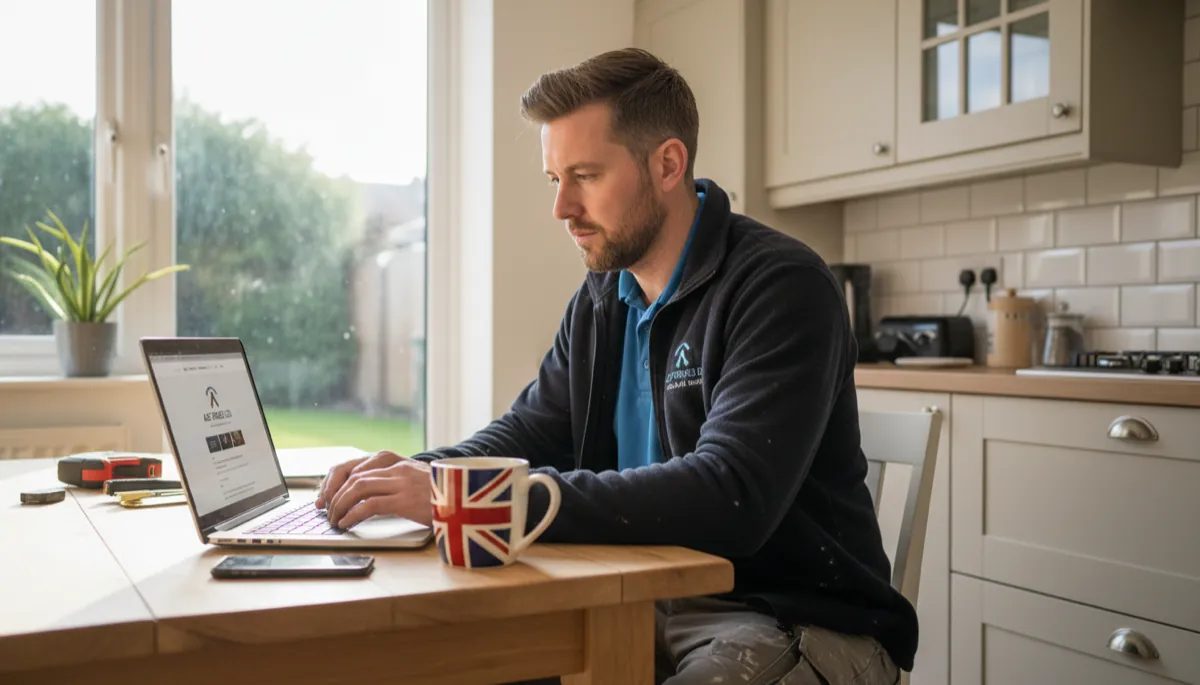
Adding online booking to your trade business sounds like a smart move — let customers request jobs at midnight without calling you. But is it actually worth setting up, or just another thing to manage?
The short answer: yes, for most tradespeople with their own website, online booking (or at least a proper online enquiry form) pays off. Not because it replaces phone calls overnight, but because it captures work you’d otherwise miss — from people browsing at 10pm who won’t remember to call in the morning.
Key Takeaways
- Online booking lets customers request a job or consultation 24/7, without you being available to answer the phone
- A basic contact form captures enquiries; a booking calendar lets customers pick specific times — you don’t need both to start
- Tools like Calendly, Jobber, and Tradify all offer booking features suitable for trade businesses, from free to around £40/month
- According to BrightLocal’s 2024 Consumer Review Survey, 76% of consumers use search engines to find local services — and most want to make contact immediately after finding a business
- Online booking works best alongside a professional website; a booking button on Facebook or a lead platform doesn’t give you the same conversion
- If you’re sole trader doing mainly word-of-mouth work, a simple contact form is enough — you don’t need a full calendar system
What “Online Booking” Actually Means for Tradespeople
There’s a difference between two things that often get lumped together:
Online enquiry forms — A customer fills in their name, contact details, and a description of the job. You get an email or text notification. You call them back and arrange the details. This is the basic version and it’s genuinely useful.
Online calendar booking — The customer sees your available times, picks a slot for a call-out or a quote visit, and books it directly. Your calendar updates automatically. No back-and-forth messages needed.
Most tradespeople start with enquiry forms and find they don’t need to go further. Calendar booking makes more sense if you do a lot of fixed-length appointments — like annual boiler services, electrical inspections, or roof surveys.
Why It’s Worth Doing
You capture jobs that otherwise disappear
Most people searching for a tradesperson do it outside working hours. Research on mobile search behaviour from Google’s Think with Google consistently shows that a large proportion of local service searches happen in the evenings, after the working day ends. If your phone is off and there’s no way to leave a message or fill in a form, they move on to the next result.
A contact form or booking button gives them somewhere to go. You wake up to an enquiry rather than a lost lead.
It filters out time-wasters
When someone takes the time to write out what they need and send a form, they’re more serious than someone who sends a WhatsApp saying “how much for a new radiator?” with no other detail. Online booking forms typically ask for location, description of work, and preferred dates — so you arrive at jobs with better information and fewer wasted quote visits.
It looks more professional
This matters more than people expect. According to Clutch’s Small Business Survey 2023, 84% of consumers say a professional website makes them more likely to trust a business. Adding a clear booking or contact form reinforces that professionalism — it signals that you’ve got your business set up properly, not just a mobile number and a Facebook page.
Types of Booking Tools: What to Use
| Tool | Type | Monthly Cost | Best For |
|---|---|---|---|
| Contact form (built-in) | Enquiry form | Free (part of website) | Getting started, all trade types |
| Calendly | Calendar booking | Free–£12/month | Quote appointments, consultation calls |
| Jobber | Job management + booking | From £35/month | Trades managing multiple jobs |
| Tradify | Job management + booking | From £29/month | Small trade businesses, UK-based |
| ServiceM8 | Job management + booking | From £29/month | Maintenance contracts, repeat services |
| Powered Now | Job management + booking | From £25/month | CIS contractors, sole traders |
For most tradespeople just starting out, a well-set-up contact form on your website does the job. The paid tools make more sense once you’re handling 20+ enquiries a month and the admin starts eating into job time.
When Online Booking Makes Sense — and When It Doesn’t
Worth it if:
- You have a website and want to capture enquiries outside business hours
- You do fixed-appointment services (annual service visits, inspections, surveys)
- You’re getting enquiries you’re struggling to track and respond to quickly
- You want to look more established to commercial clients
Probably not needed if:
- You’re fully booked through word of mouth and not actively looking for new work
- You only take jobs through a lead platform like Checkatrade or MyBuilder
- You do mostly emergency callouts where customers ring regardless
If you’re in the second category but thinking about moving away from lead platforms (and their monthly fees), our comparison of Checkatrade vs having your own website is worth a read.
How to Set It Up Without Overcomplicating It
Step 1: Start with a contact form
If your website doesn’t have a contact form, that’s step one. Every job management tool and most website builders include one. Make sure it asks for:
- Name and phone number
- Location or postcode
- Brief description of the work
- Preferred time to be contacted
That information alone saves you three back-and-forth messages per enquiry.
Step 2: Add a booking calendar if you do appointments
If you regularly do paid quote visits or fixed-duration appointments, connect a Calendly or similar tool to your site. Set your available slots, block out job days, and let people book directly. The free Calendly plan handles one event type — enough for a “Book a Quote Visit” button.
Step 3: Make the button visible
A booking or contact button buried in the footer doesn’t get used. Put it in the navigation, near the top of your homepage, and at the bottom of every service description. On mobile, a sticky button at the bottom of the screen (“Book a Free Quote”) works well.
Step 4: Respond quickly
Online booking only works if you follow up. According to Harvard Business Review research on lead response, responding to an enquiry within an hour makes you 7x more likely to convert it than waiting a day. Even a short message saying “Got your enquiry, I’ll call you tomorrow at 10am” is enough to keep the lead warm.
What It Costs
Most of the cost is time, not money. A basic contact form is free — it’s part of any decent website. Calendar tools like Calendly have free tiers that work well for sole traders.
If you go to a full job management platform with booking features, expect to pay £25–£40/month. Compare that to the monthly fees on Checkatrade (typically £60–£90/month depending on your trade and location) and the maths starts to look reasonable — especially if your own website is bringing in enquiries direct.
A professional trade website from Digital Tradies includes a contact form as standard. Plans start from £49/month with no setup fee — you get the site, hosting, and ongoing support included, which means the booking infrastructure is ready from day one.
Frequently Asked Questions
Do tradespeople need a booking system or is a phone number enough? A phone number alone misses enquiries outside business hours. Even a simple contact form captures leads when you’re on a job or finished for the day. Most tradespeople find a form is enough — a full calendar booking system is only needed if you do a lot of fixed appointments like inspections or service visits.
Can I use Calendly for my trade business for free? Yes. Calendly’s free plan lets you create one event type with unlimited bookings. For most sole traders, this covers a “Book a Quote” appointment. Paid plans from £8/month (billed annually) add multiple event types, team scheduling, and payment collection.
Will online booking work if I don’t have a website? You can add a Calendly link to WhatsApp, Facebook, or email — but the conversion rate is much lower than having it on your own site. Customers who find you through search expect to land on a website and find contact options there. Without a site, you’re relying on them already knowing about you.
What’s the best online booking tool for tradespeople in the UK? For solo tradespeople starting out: a contact form on your website plus Calendly’s free tier. For businesses handling multiple jobs and wanting invoicing and scheduling in one place: Tradify or Powered Now are both built for UK trades and include booking features.
Does having online booking affect my Google ranking? Not directly. But the things that come with it — a professional website, faster response times, better customer experience — do contribute to positive reviews and lower bounce rates, which can indirectly help local SEO. A Google Business Profile with a booking link also gets a small boost in local search visibility.
Online booking won’t transform a quiet business overnight. But for any tradesperson with a website and a steady flow of enquiries, it removes friction at exactly the moment a potential customer decides whether to get in touch. The tools are cheap, the setup takes an afternoon, and the payoff is enquiries arriving while you’re on the tools.
If you don’t have a website yet, that’s the first step — booking works best when there’s a proper place for customers to land. Take a look at what Digital Tradies can set up for you from £49/month, with no upfront cost and live in three days.